


New Arrival
-
-
-
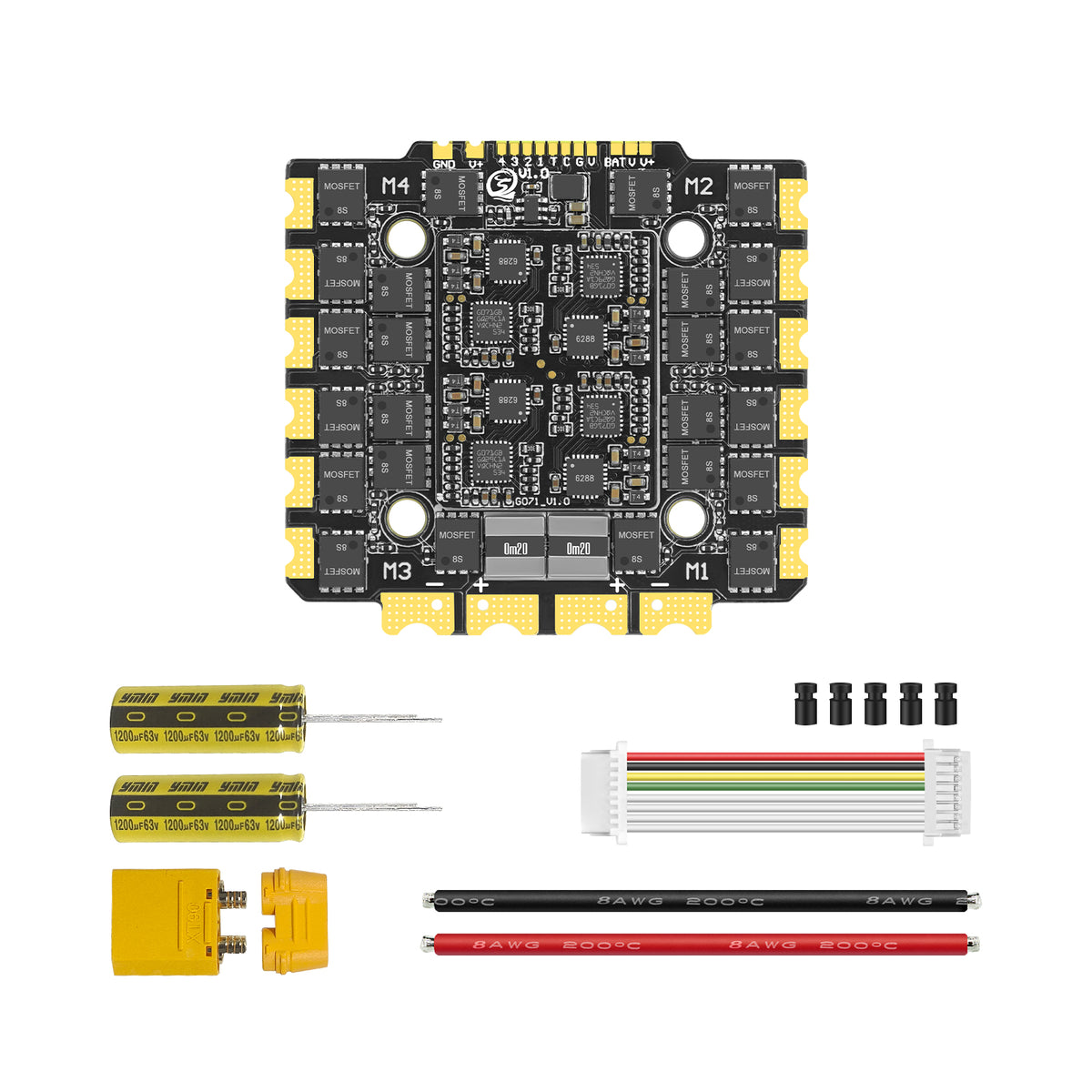
 SEQURE E130/E160 G2 4-8S/4-12S 130A/160A 4IN1 ESC with AM32 or BLHeli_32 Firmware for FPV Drones RacingFrom $114.00From $114.00
 -
-
-
-

 SEQURE WP14200 200A 5-14S IP68 Waterproof Brushless ESC for eFoil/Surfboard/RC ModelsFrom $3.99From $3.99
 -
-
-

 SEQURE 14200 Series 200A 5-14S Brushless ESC AM32/BLHeli_32/ESCape32 for RC Drone/Car/BoatFrom $115.00From $115.00
 -
-
-
-
-
-


Firmware Upgrade
 Read more
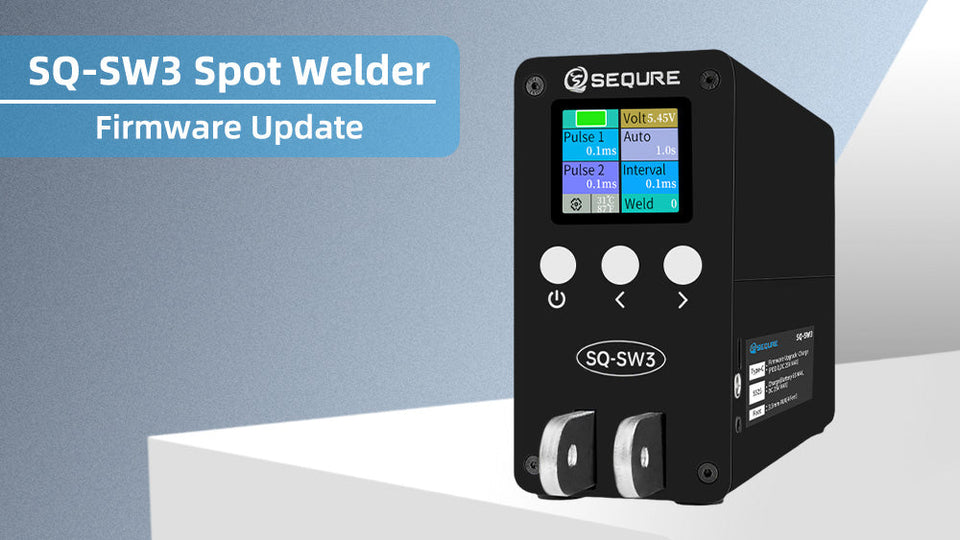
Firmware update steps: When the machine is turned off and the charging power is unplugged, first press and hold the "" key, then use the Type-C cable to connect the spot welder and the computer. At this time, the spot...
 Read more
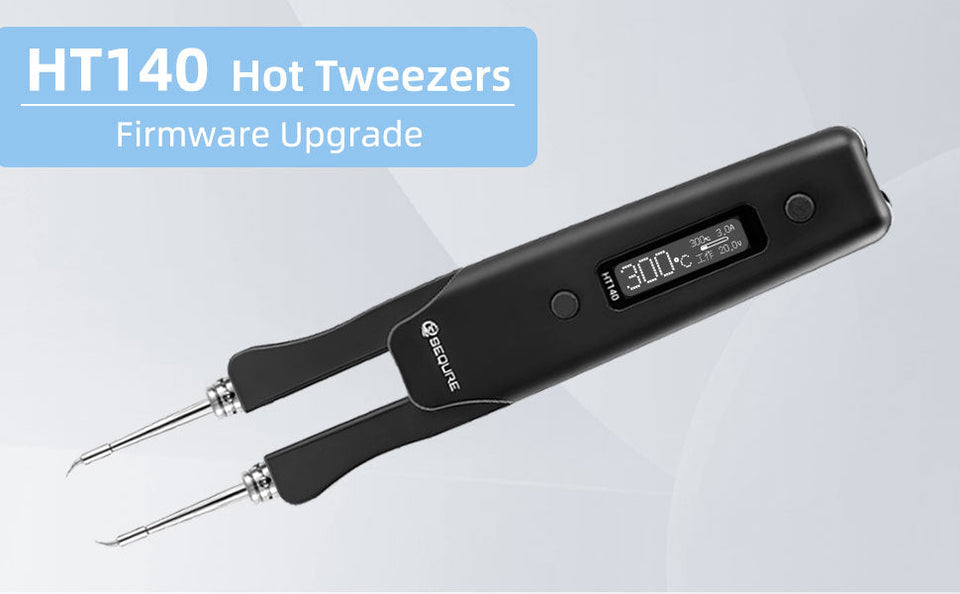
Firmware update steps: The user holds down the "A" button and does not let go. After connecting the PC and HT140 using USB, the "UPDATE" interface appears on the soldering iron screen. Paste the downloaded firmware in the computer disk,...
 Read more
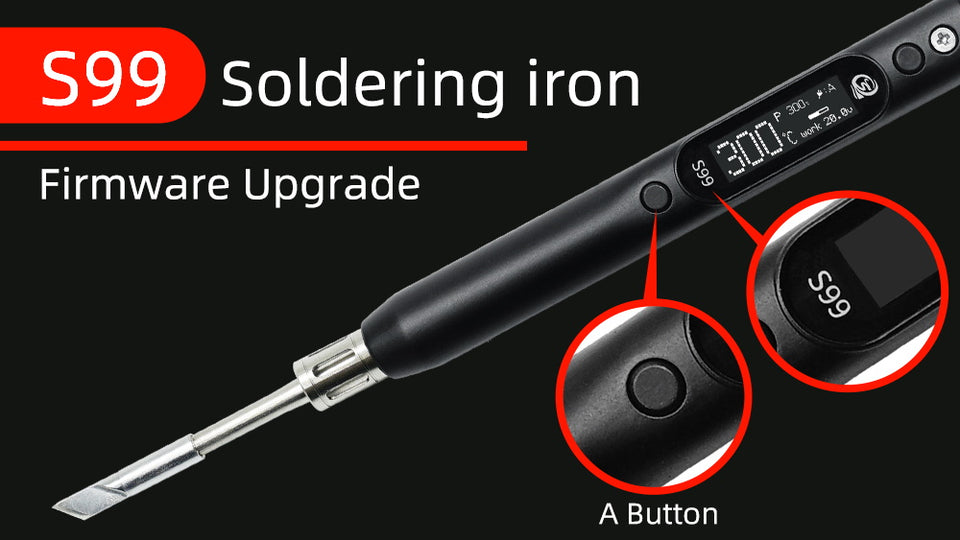
Firmware update steps: The user holds down the "A" button and does not let go. After connecting the PC and soldering iron using USB, the "UPDATE" interface appears on the soldering iron screen. Paste the downloaded firmware in the computer...


